






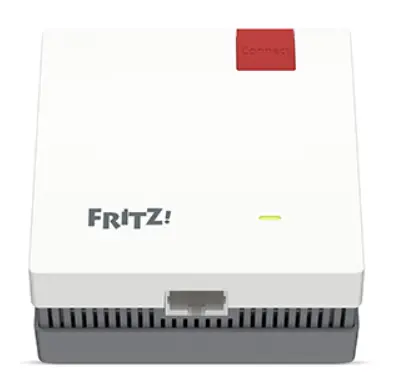
BUTTON, LED AND PORT MEANINGS
GREEN LED | ON | Connected to the router, good connection |
| GREEN LED | FLASHES QUICKLY (twice per second) | WPS pairing in progress, restart or update |
| GREEN LED | FLASHES SLOWLY (every 2 seconds) | Not connected to the router, no wireless connection configured |
| ORANGE LED | ON | Weak connection with the router |
| ORANGE LED | FLASHING | Connection with the router interrupted |
| CONNECT BUTTON | PRESS FOR 1 SEC | To establish the WPS connection |
| CONNECT BUTTON | PRESS FOR 6 SEC | To connect to another base |
| CONNECT BUTTON | PRESS FOR 15 SEC | To load the factory settings |
| LAN PORT | Gigabit Ethernet port for the wired connection of network devices or the Internet router |
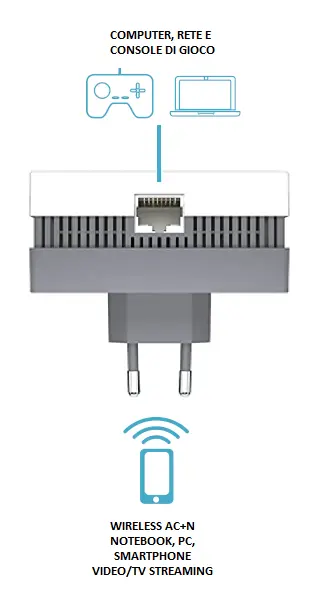
CONNECTING THE REPEATER TO THE ROUTER VIA WPS
Loading the FRITZ!Repeater factory settings
The first time you connect, you do not need to load the factory settings. If the repeater has to be paired with a new router or a new connection, you first need to make sure that the device has been reset to its factory settings. To reset it, proceed as follows:
- Plug the FRITZ!Repeater into a power socket.
- Wait about 1 minute, until the FRITZ!Repeater has fully started up and the LED is on.
- Press and hold the Connect button for about 15 seconds until the LED starts flashing.
- As soon as the LED is steadily on, the factory settings have been loaded.
Configuring the FRITZ!Repeater as a WiFi repeater
- Plug the FRITZ!Repeater into the power socket nearest to the wireless router. The FRITZ!Repeater starts up
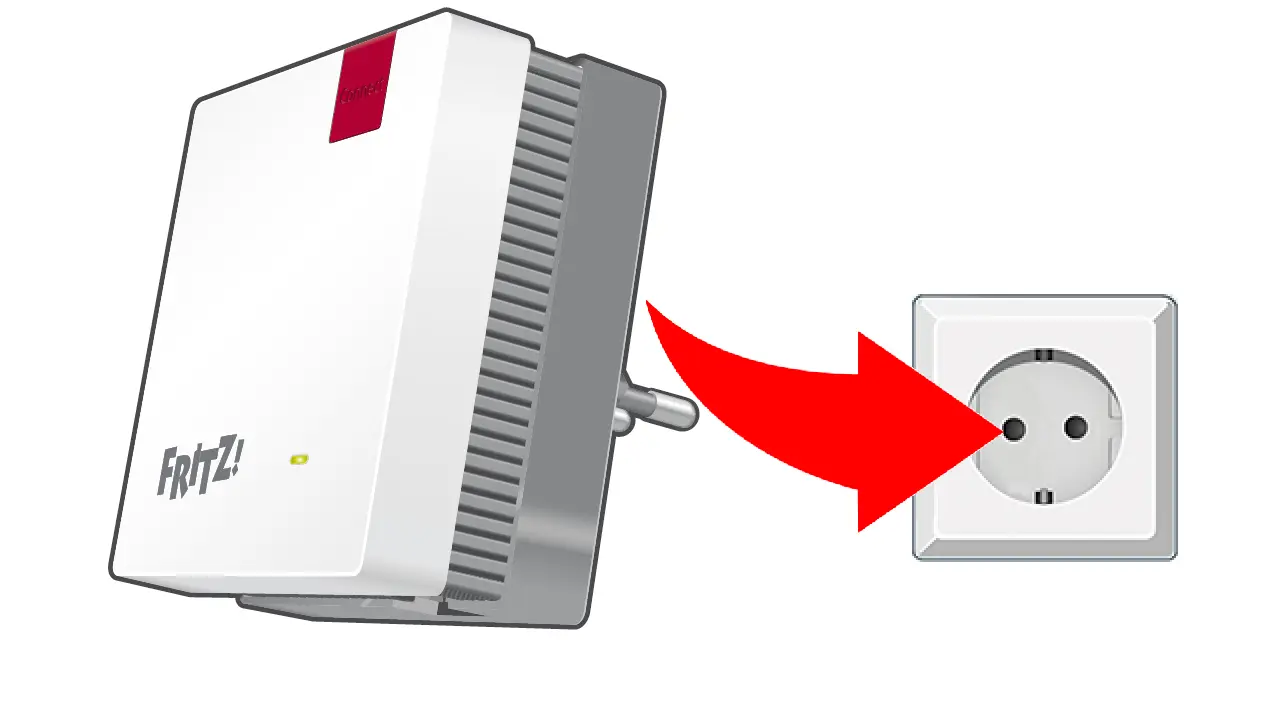
- Wait until the "Connect" LED flashes green slowly (every 2 seconds). As soon as the LED flashes green slowly, the FRITZ!Repeater is ready to establish a connection.
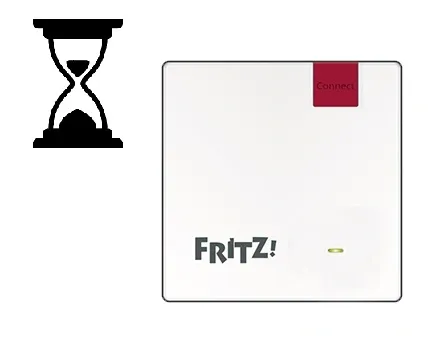
- Briefly press (about 1 second) the “Connect” button and release it again. After you release the button, the LED starts flashing green more quickly (twice per second).
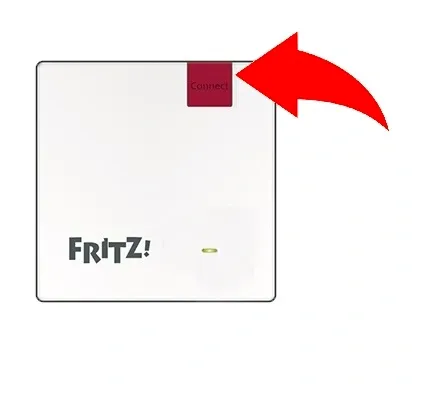
- Within 2 minutes, start the WPS procedure on the wireless router. To activate WPS on the router, check the WPS activation process in the manufacturer’s instruction manual. For AVM FRITZ!Box routers, proceed as follows
- FRITZ!Box with a "WPS" or "Connect/WPS" button: briefly press the button
- FRITZ!Box with a "WLAN" or "WLAN/WPS" button: press the button for about 6 seconds, until the "WLAN" LED flashes.
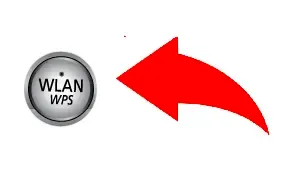
- As soon as the LED on the FRITZ!Repeater stays steadily on, the WiFi connection has been established.
Once the wireless connection has been established (step 5), you can plug the FRITZ!Repeater into any other socket to extend your home WiFi network to the area you need. The best solution is to choose a spot roughly halfway between the router and the wireless devices you use.